
AI personal trainer . An AI personal trainer you just talk to
Tell Fitlyze your goal, your equipment and the days you can train. He builds the program, puts today's session on your Workout screen, logs your sets as you call them out, and rebuilds the plan when a session moves. The planning and the bookkeeping of a personal trainer, in your pocket.
On iPhone, Android, desktop and the web. Get the app, or start in your browser with nothing to install.
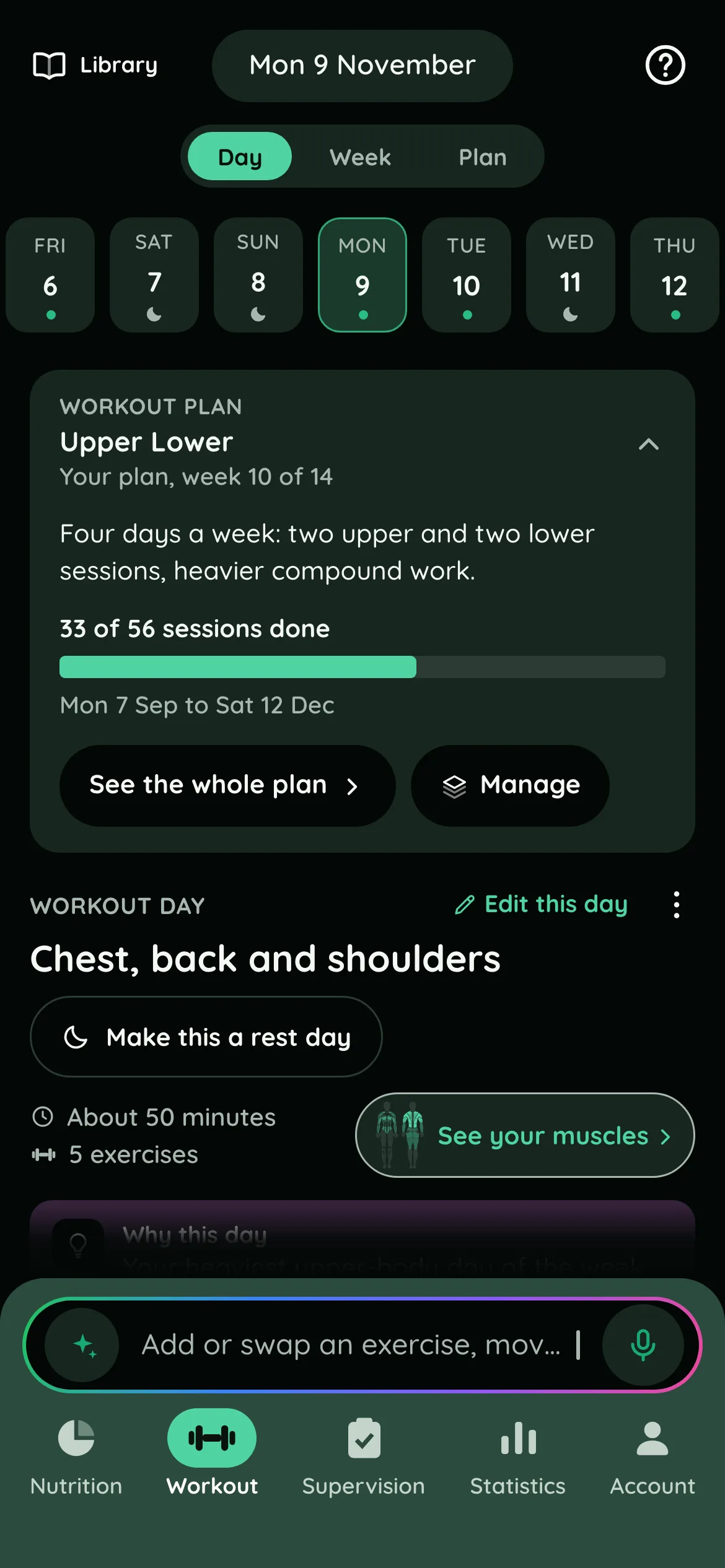
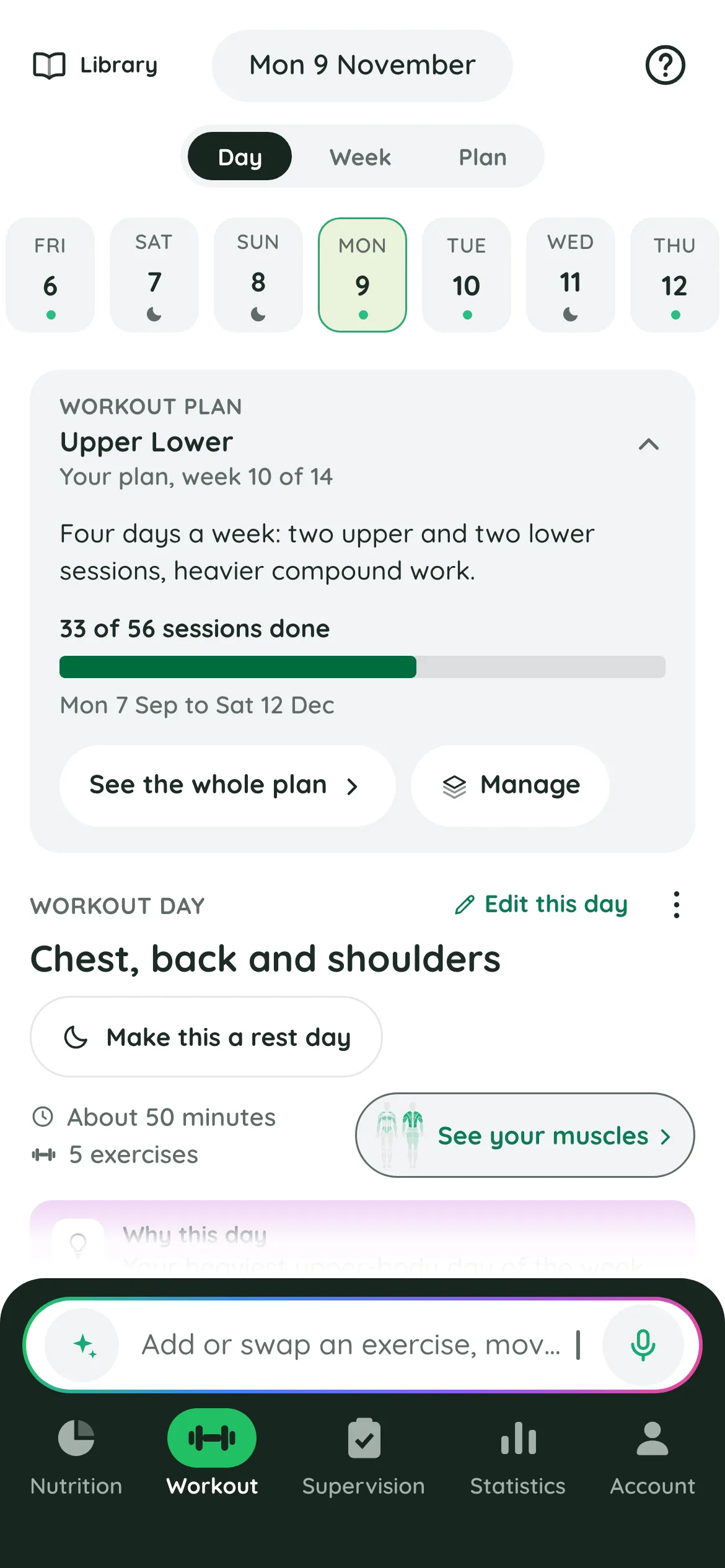
A program built around you
Ask for a plan in your own words: your goal, how many days a week you can train, how long a session can be, and what you have to work with, from a pair of dumbbells at home to a full gym. Mention injuries, your sport or the exercises you can't stand, and he plans around them.
The plan lands in the app already active, laid out day by day and muscle by muscle, so you can see what this week covers and what the program has left.
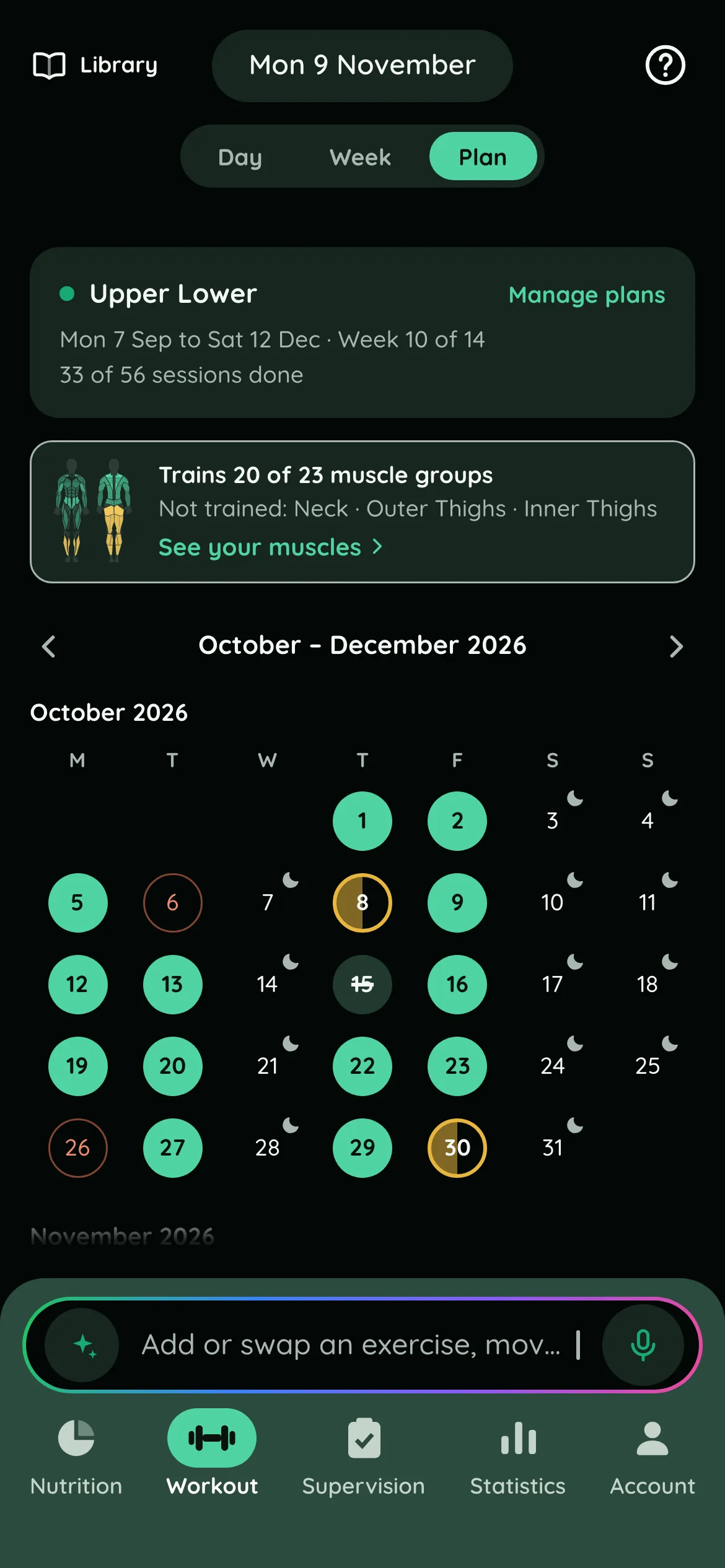
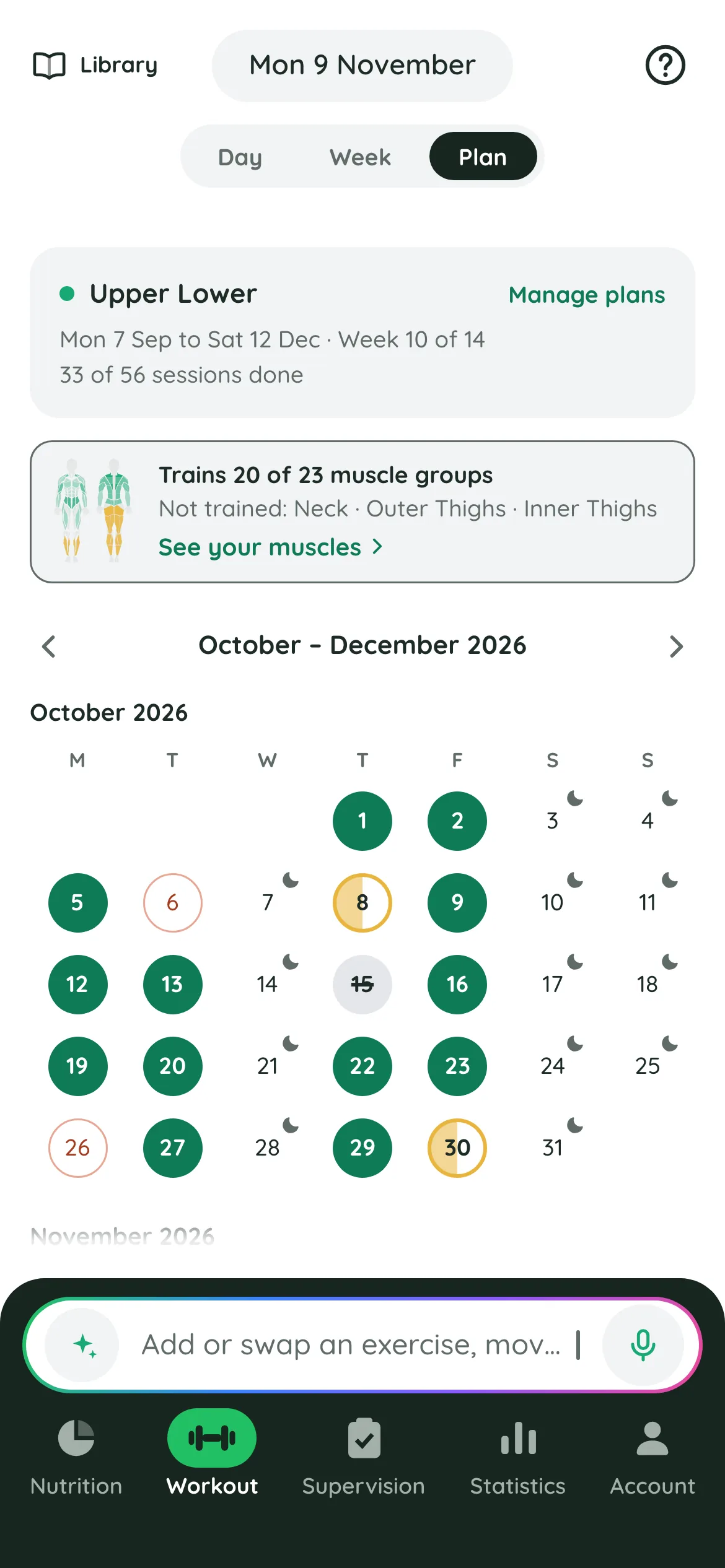
Change the plan in a sentence
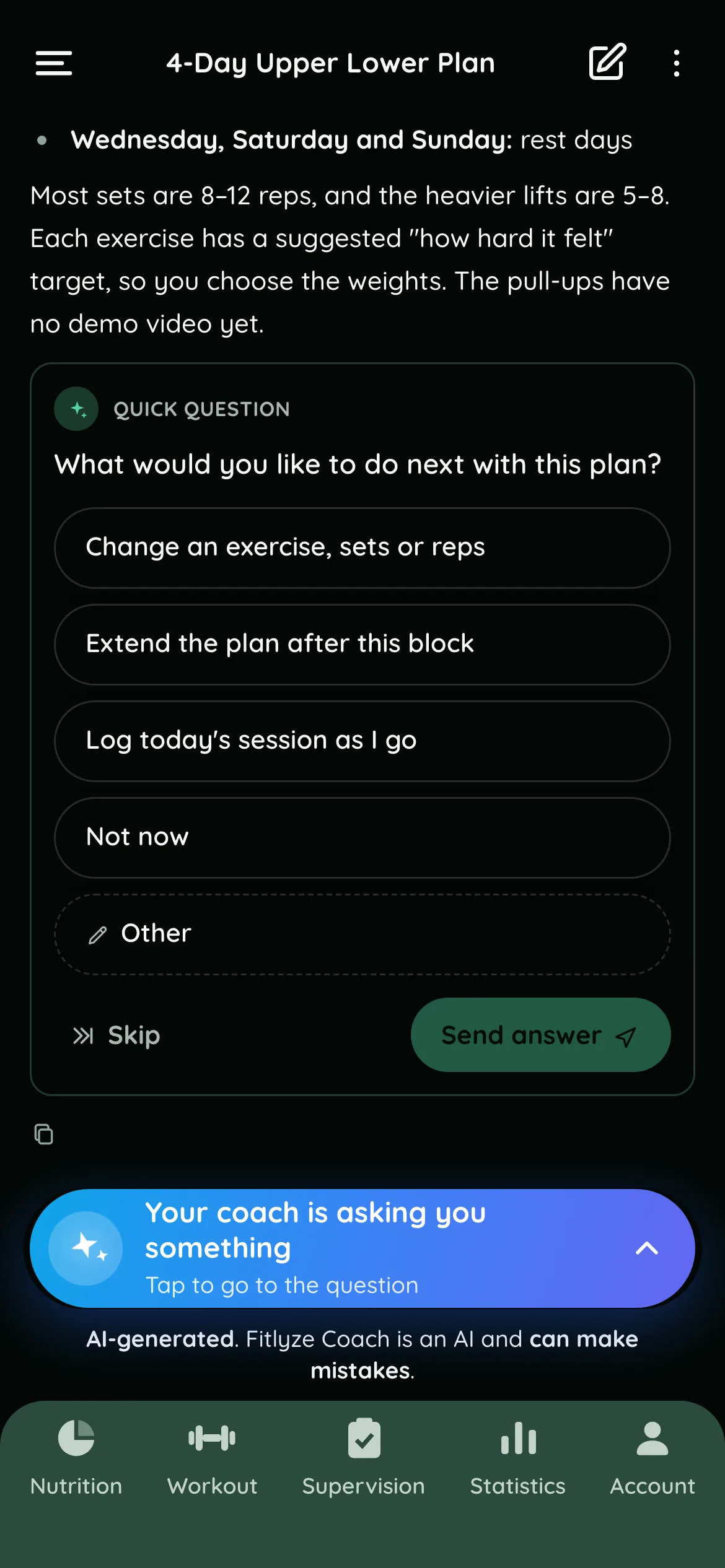
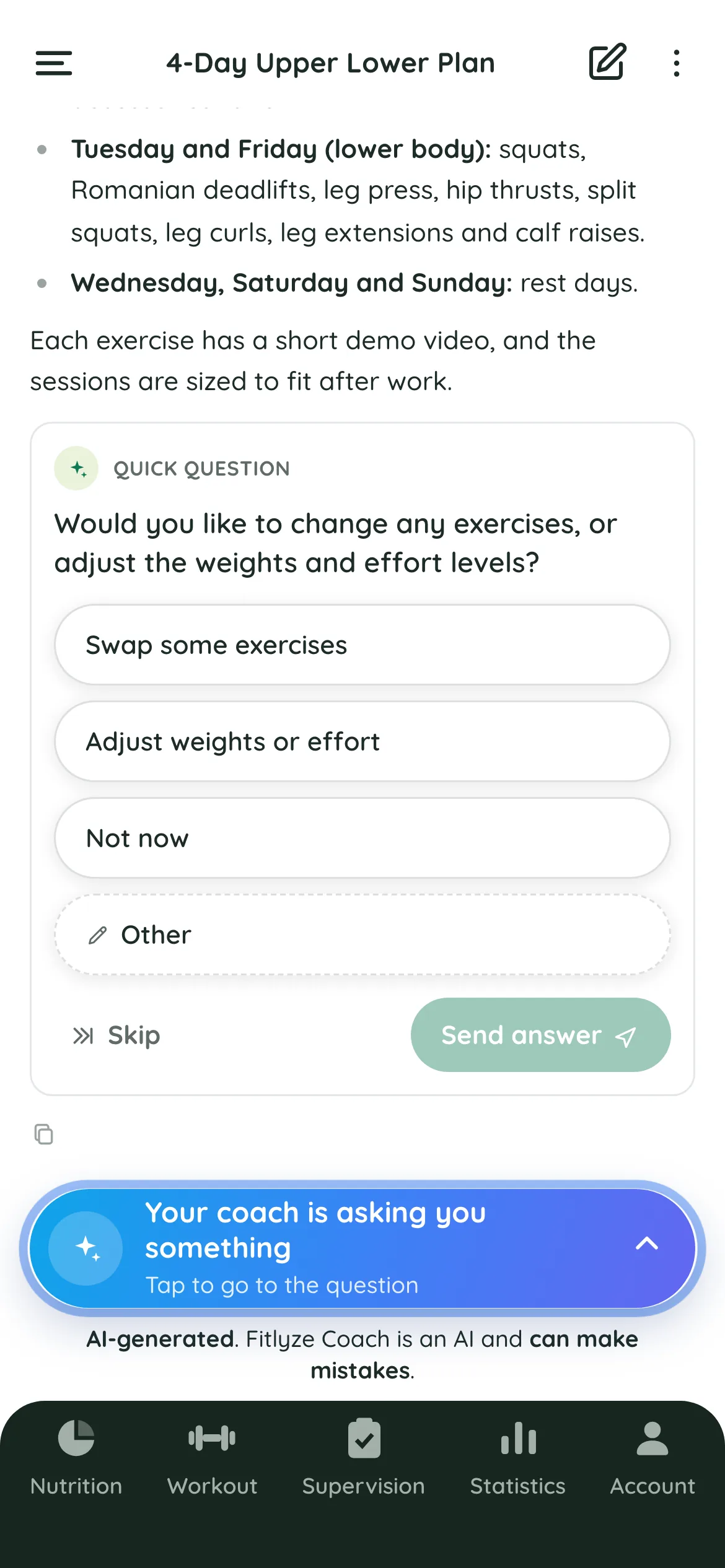
Plans meet real weeks. Tell the coach what changed and he edits the plan for you: “Can you include today as well in my workout plan” is enough for the workout agent to move the program so it starts today.
The same works for everything else you would ask a trainer: keep today's workout under 30 minutes, swap an exercise for a dumbbell version, make today a bit harder. You can also attach a photo of your gym, its machines, or a plan on paper.
Log your sets by saying them
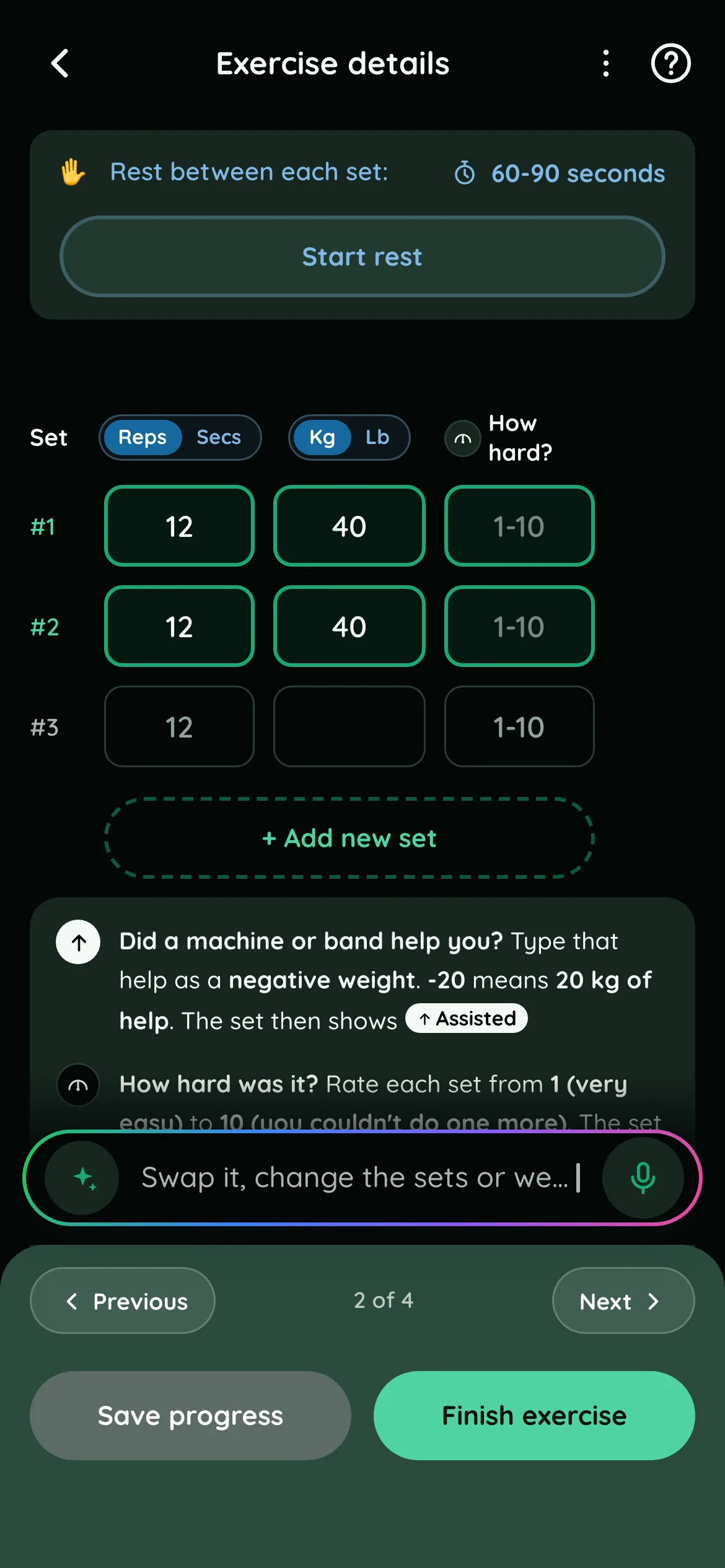
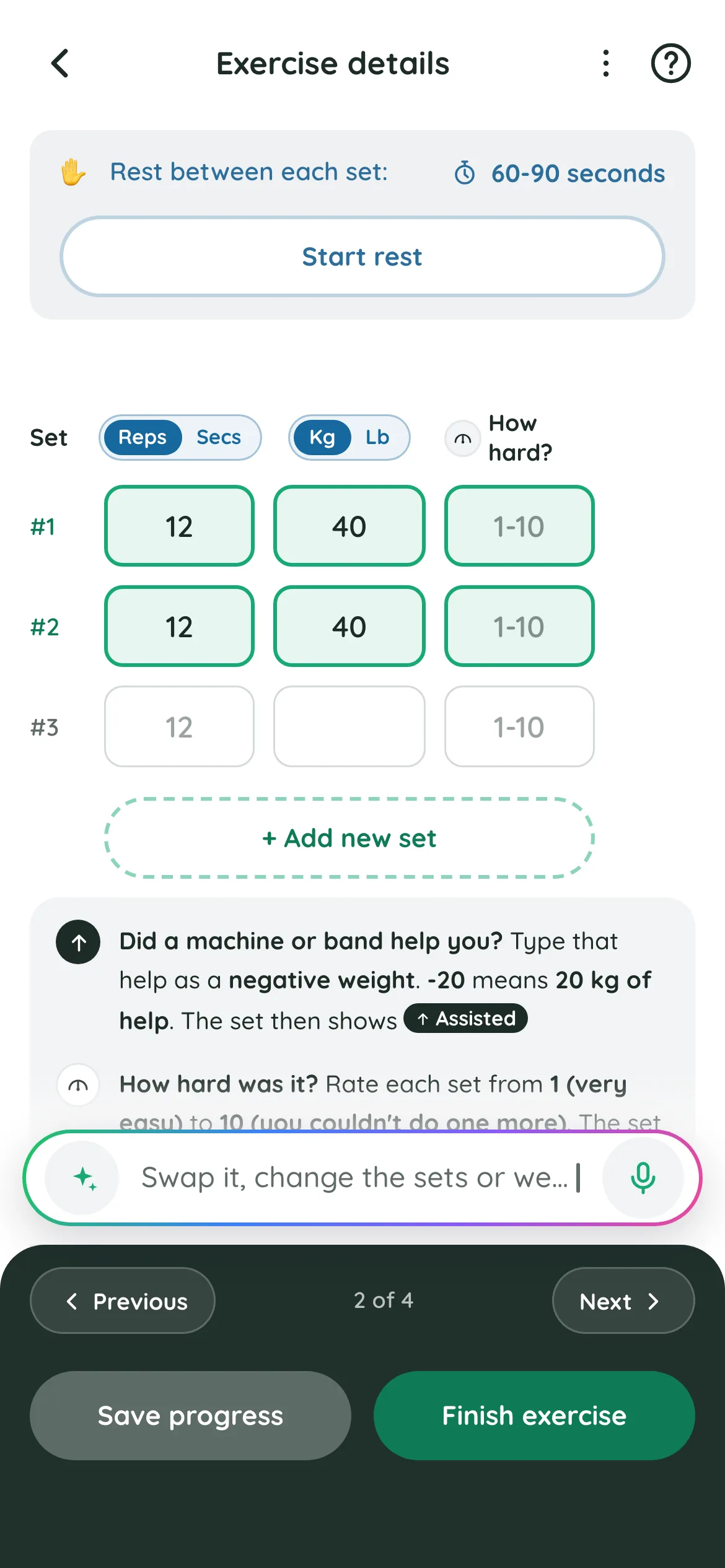
Between sets, say it the way you would to a training partner: “I just did the first set of my leg press, 109 kg. Log it.” The set is logged against today's session and the plan keeps up.
Every exercise has its set table, with reps, weight and how hard it felt (RPE), a rest timer, and suggested substitutions when a machine is taken.
See what you actually trained
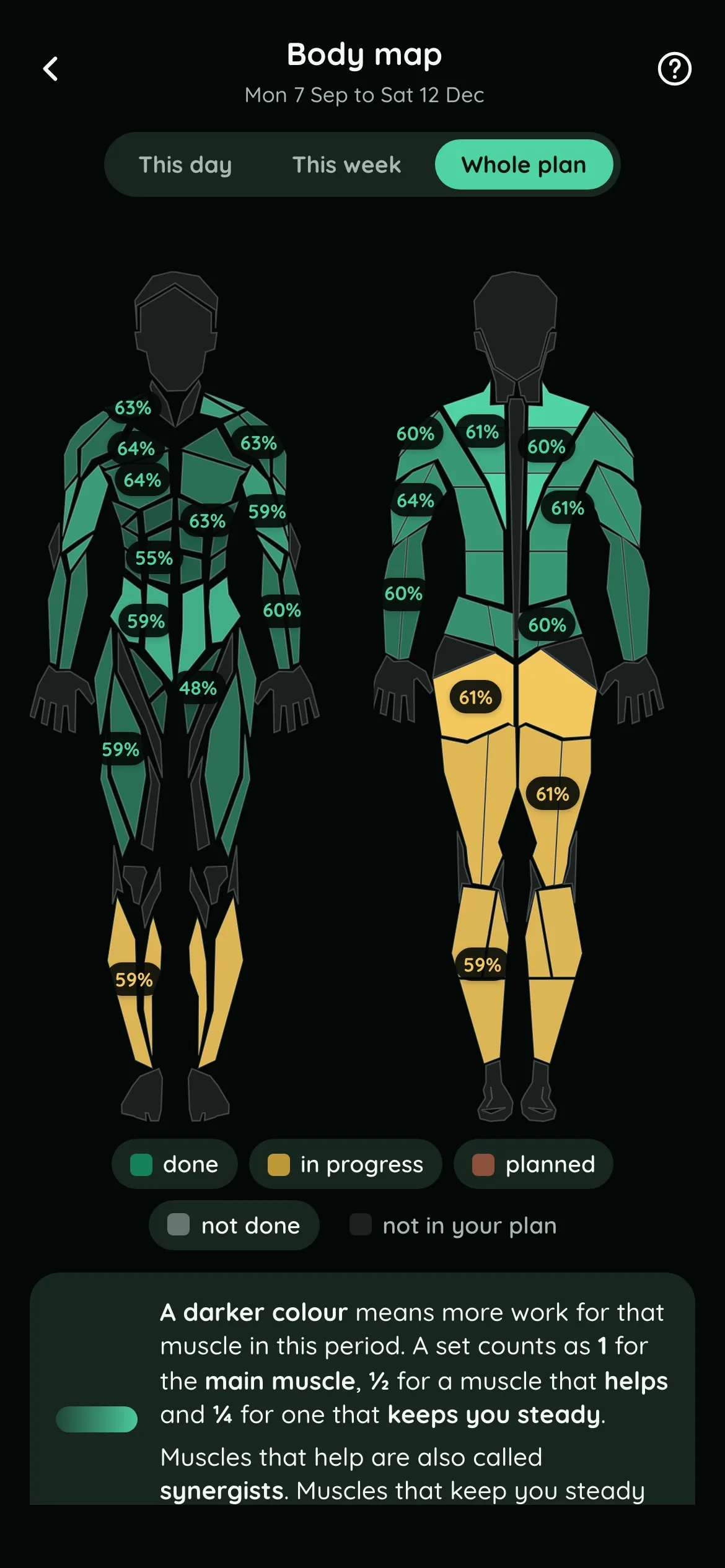
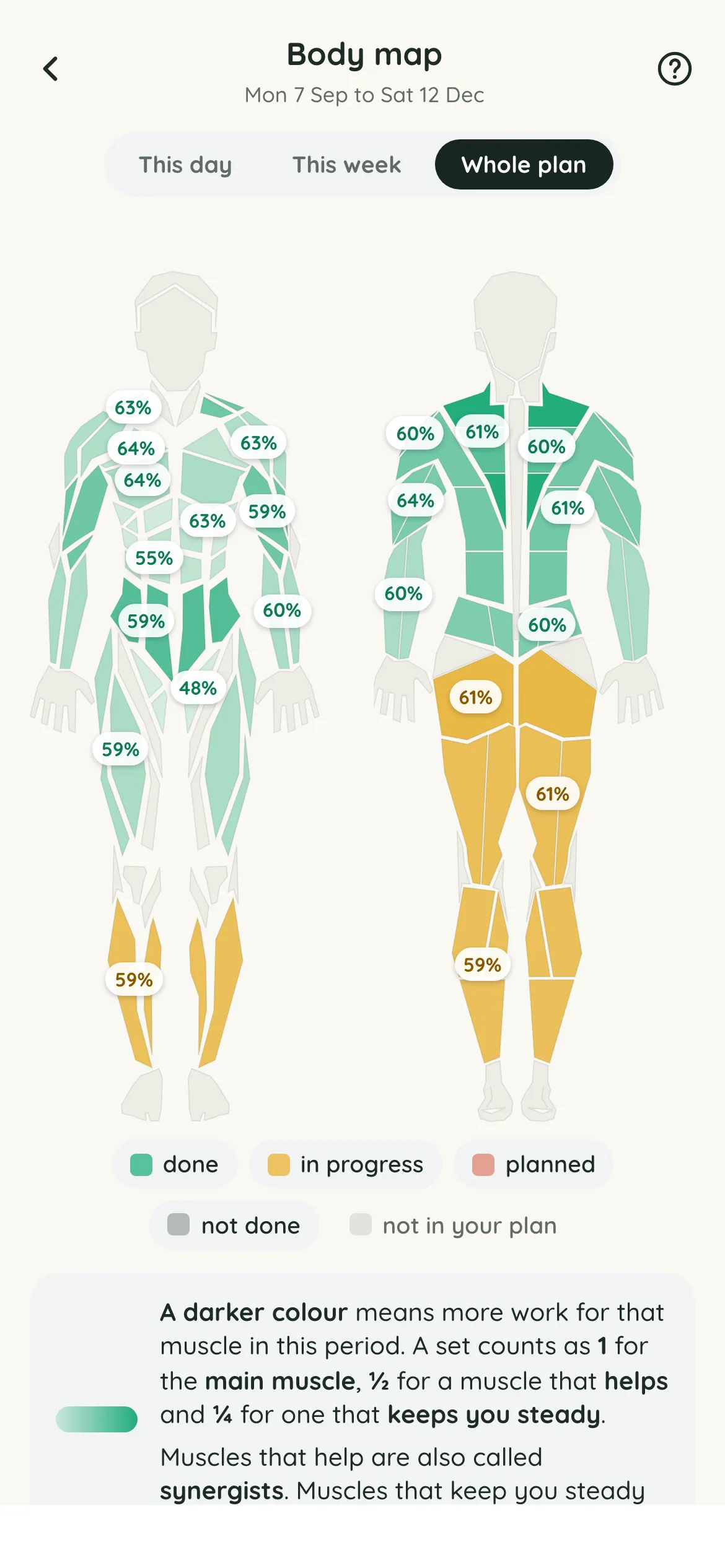
The body map shades each muscle as done, in progress or still planned, for today and across the whole program. Tap a muscle to see which exercises hit it, and when.
An exercise library behind every movement
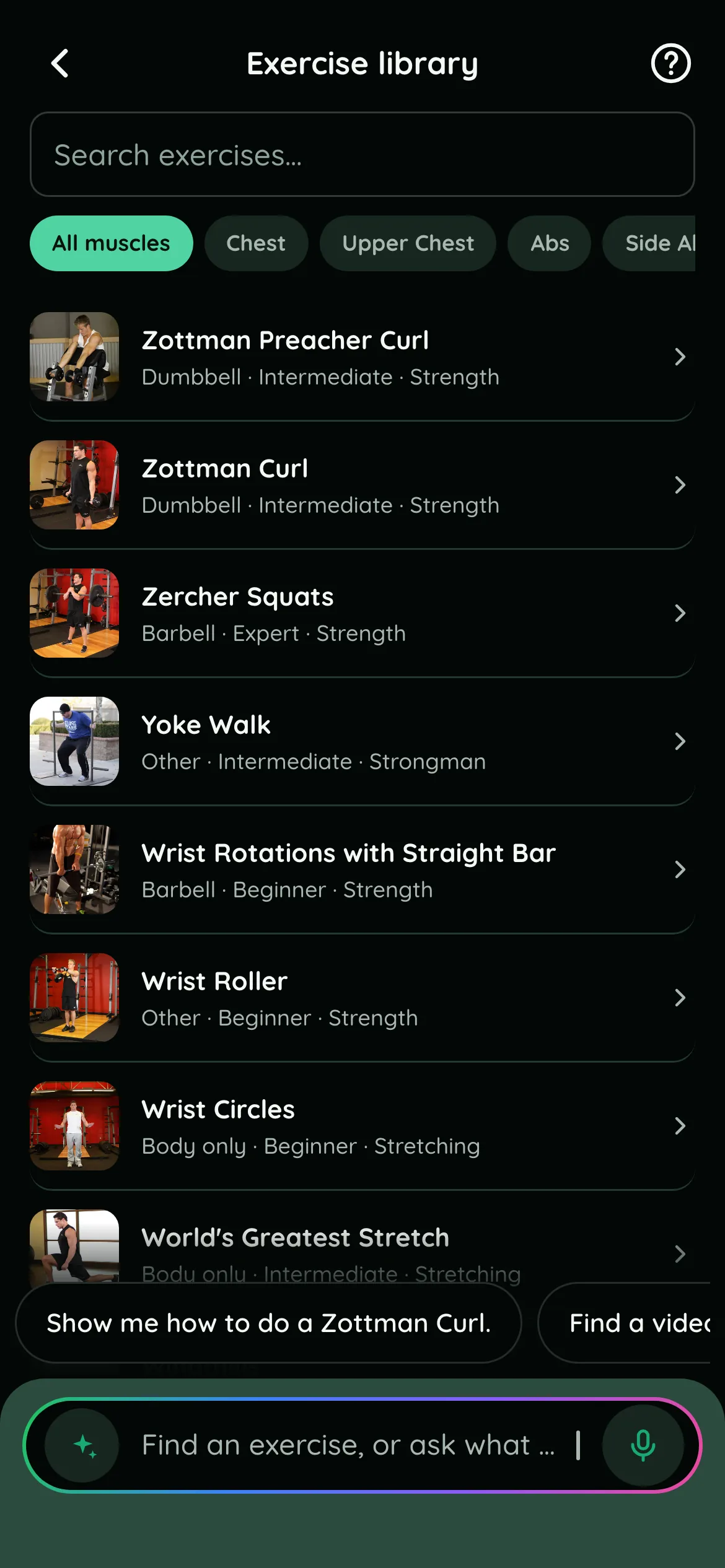
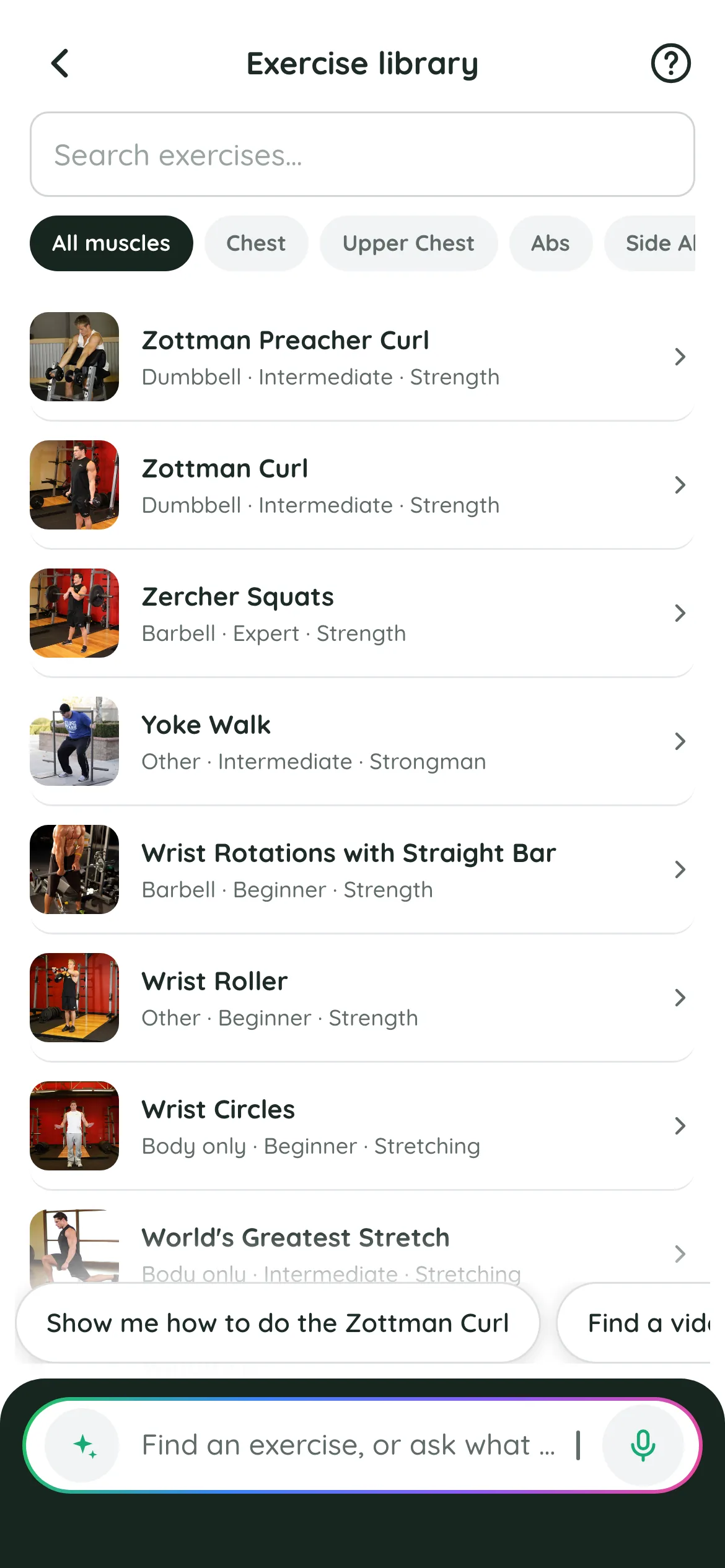
Every exercise in your plan comes from a library you can browse by muscle, equipment, level and type, with the muscles it works and tutorials. Ask the coach how to do one and he explains it in the chat.
Honest limits . What he won't do
- He doesn't watch you train, so he can't correct your form in person. Learn new lifts carefully, and film yourself or ask a coach when in doubt.
- He isn't a physiotherapist or a doctor. For pain or an injury, see a qualified professional; the coach will work around what you tell him, but he doesn't treat anything.
- He is AI and can be wrong. Check what matters, and tell him when something is off.
Questions
What do I need to tell him to get a plan?
Your goal, how many days a week you can train, how long a session can be, and what equipment you have. Add anything that matters: an injury, your sport, exercises you dislike. The lasting things are saved to memory, so you don't repeat them.
Can he plan strength training around my sport?
Yes. Tell him the sport and when you practise, and he builds strength and conditioning around it.
Does it work with home equipment?
Yes. Tell him what you have, from a pair of dumbbells or bands to a full gym, and he only programs exercises you can do with it. You can also attach a photo of your gym's machines.
Can I still edit the plan myself?
Yes. Add an exercise, change sets or reps, or move a session by hand from the Workout screen. Call on the coach only when you want to.
Keep reading
- AI calorie tracker Log a meal in one sentence, out loud or with a photo: Fitlyze estimates portions, calories and macros, logs it, and lets you fix anything in one line.
- About Fitlyze What Fitlyze is, how its AI coach works, what it is not, where it is available, and who makes it: DerMo Technologies Inc., Toronto.